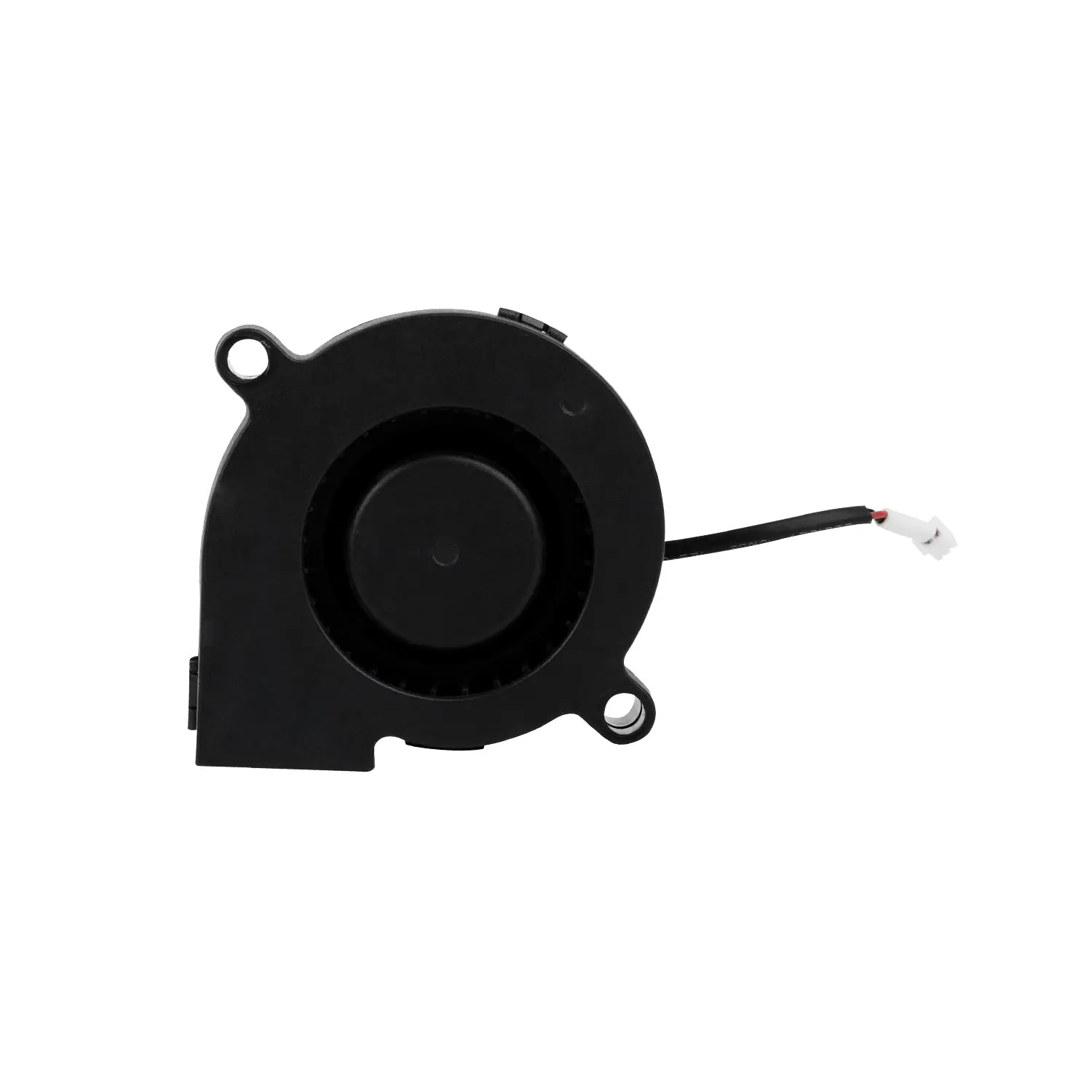
Official Creality Ender 5 S1 5015 Blower Fan
The Official Creality Ender 5 S1 5015 Blower Fan is a genuine replacement component designed to enhance the cooling efficiency of the Ender 5 S1 3D printer. This centrifugal fan directs a focused airflow onto freshly extruded filament, promoting rapid solidification and improving print quality.
Features:
-
Efficient Cooling: The fan's design channels strong airflow directly onto the printed section, facilitating immediate hardening and reducing issues like drooping or warping.
-
Durable Construction: Equipped with a hydraulic bearing, the fan offers reliable performance and an extended operational lifespan.
-
Optimized Design: Specifically engineered for the Ender 5 S1, ensuring seamless integration and optimal functionality.
Installation Considerations:
-
Safety Precautions: Always power off and unplug the printer before performing any maintenance or component replacements to prevent electrical hazards.
-
Compatibility Check: Ensure that the fan's specifications match your printer model to guarantee proper fit and function.
-
Proper Connection: Verify that the 2-pin JST GH1.25 connector is securely attached to the corresponding port on the printer's mainboard.
Original: $5.87
-65%$5.87
$2.05Product Information
Product Information
Shipping & Returns
Shipping & Returns
Description
The Official Creality Ender 5 S1 5015 Blower Fan is a genuine replacement component designed to enhance the cooling efficiency of the Ender 5 S1 3D printer. This centrifugal fan directs a focused airflow onto freshly extruded filament, promoting rapid solidification and improving print quality.
Features:
-
Efficient Cooling: The fan's design channels strong airflow directly onto the printed section, facilitating immediate hardening and reducing issues like drooping or warping.
-
Durable Construction: Equipped with a hydraulic bearing, the fan offers reliable performance and an extended operational lifespan.
-
Optimized Design: Specifically engineered for the Ender 5 S1, ensuring seamless integration and optimal functionality.
Installation Considerations:
-
Safety Precautions: Always power off and unplug the printer before performing any maintenance or component replacements to prevent electrical hazards.
-
Compatibility Check: Ensure that the fan's specifications match your printer model to guarantee proper fit and function.
-
Proper Connection: Verify that the 2-pin JST GH1.25 connector is securely attached to the corresponding port on the printer's mainboard.